This is a fun "geek" project and this page describes how it works. There have been two (so far) versions of this project:-
The Original
The original version used the following components
- Outdoor temperature and humidity sensor
- Barometric pressure sensor (Bosch BMP085)
- 433MHz radio receiver
- Arduino Nano
- Prometheus time-series database
- Public webserver
Outdoor temperature and humidity sensor
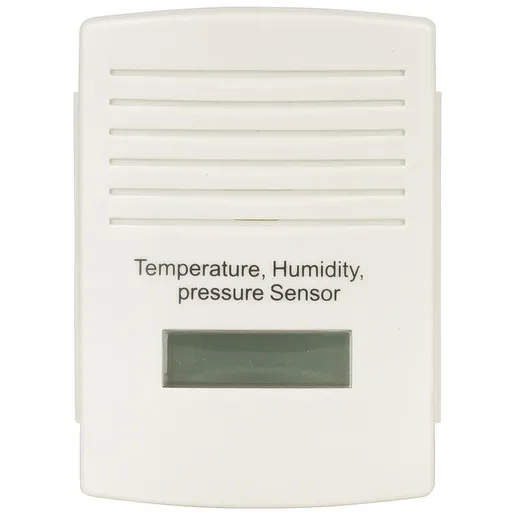
This is the simplest piece. It was an eBay purchase. It contains a temperature sensor and a relative humidity sensor and a 433MHz radio-transmitter. Periodically, it wakes up and transmits its readings to be picked up by the indoor unit.
Barometric pressure sensor
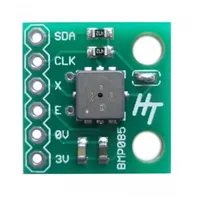
This is a digital barometric pressure sensor. It is the digital equivalent of the old barometer that you might have had hanging in your hall in years gone by. Its far less stylish, but it is much more accurate and an awful lot smaller (about 3cm2) !
Actually, the particular pressure sensor that I'm using here - a Bosch BMP085 - is now obsolete: it has been superceded by the BMP180. However, I had a BMP085 in my parts-bin so that's what found its way into this project.
433MHz radio receiver
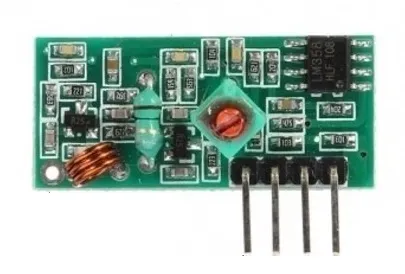
This receives the signal from the outdoor unit described above. It was another eBay purchase (cost almost nothing). There is nothing fancy about this radio: all of the "cleverness" is in the Arduino code which decodes the signal from this radio and turns it back into a data stream. I can't claim any credit for this: the heavy lifting was done by Luc Small.
Arduino Nano
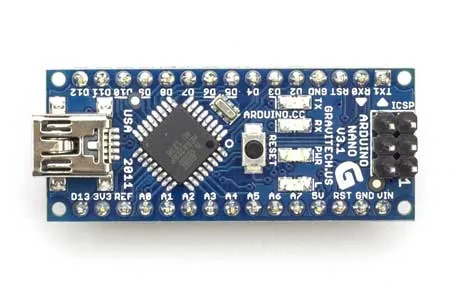
The Arduino Nano does a few jobs:-
- Receives and decodes the signals from the outdoor unit
- Talks to the BMP085 pressure sensor
- Talks to the Linux server running Prometheus, which logs the data to a round-robin database
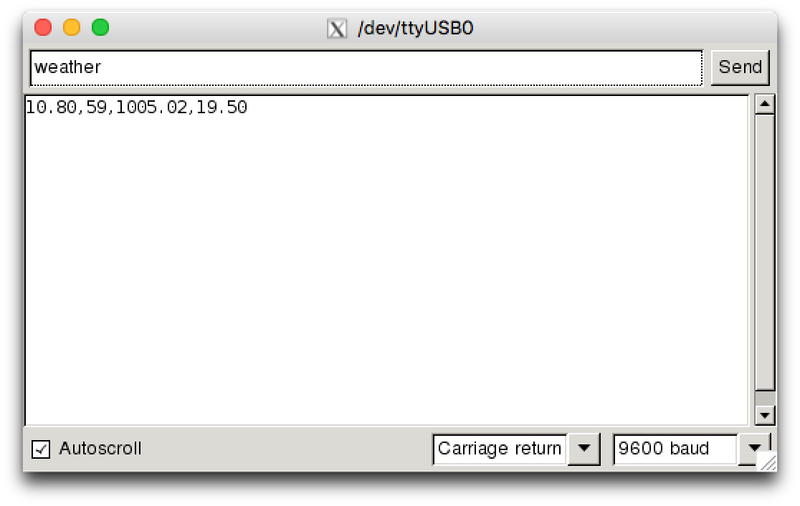
It is really acting as a bridge between the server and the sensors. When the server needs to know what the current weather readings are, it sends the command "weather" to the Arduino over a serial connection, and the Arduino responds with four values: the current temperature, relative humidity, atmospheric pressure and indoor temperature (which isn't used). You can see it working here:-
Prometheus Database
This is a small PC running Linux and the Prometheus database.
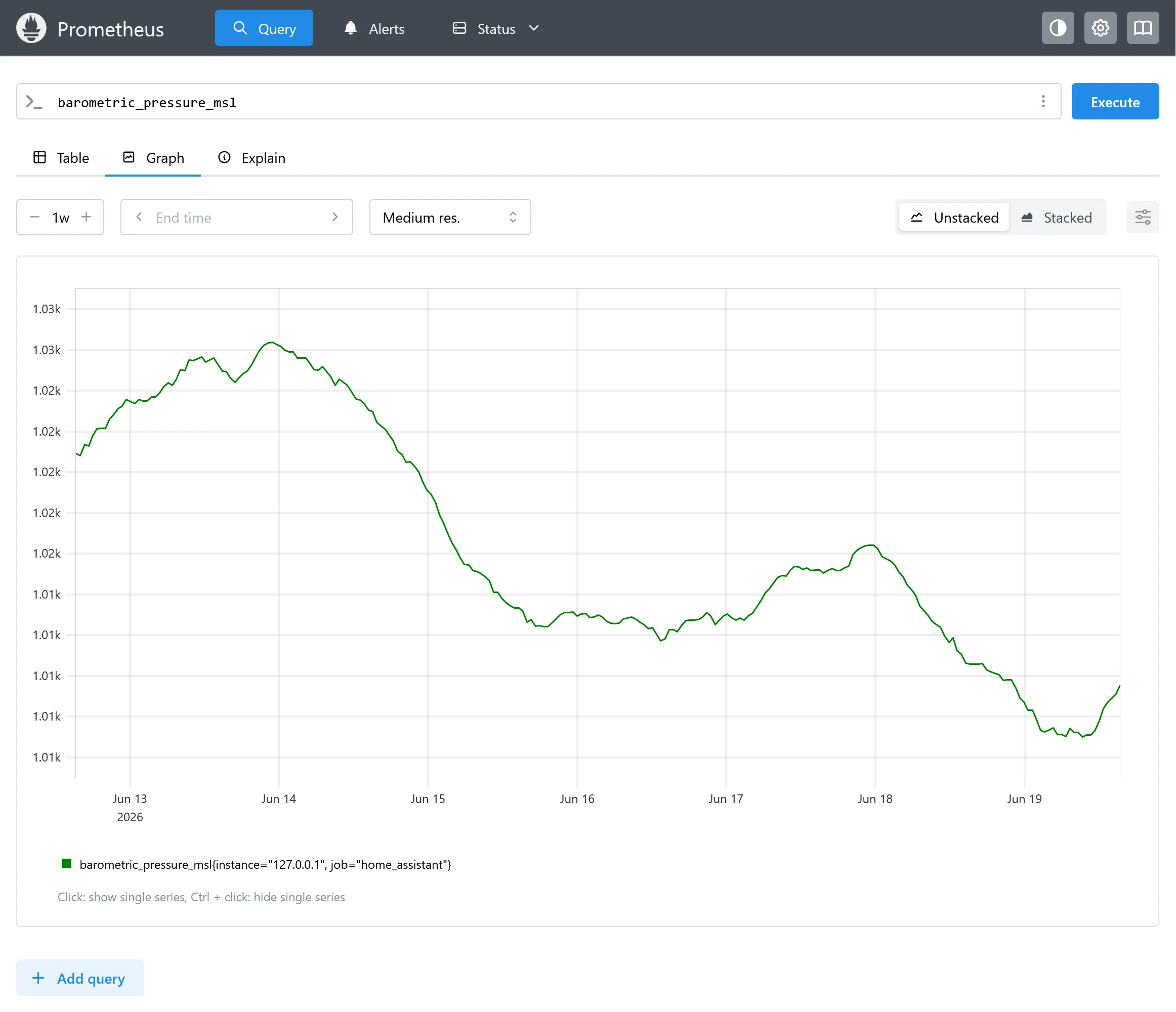
Prometheus is a Time-Series Database (TSDB), a specialised type of database designed and optimised to record quantities that vary over time. When Prometueus decides it needs to record a sample, it runs a Python script which connects to the Arduino, sends the "weather" command mentioned above and harvests the returned data.
Public Webserver
The server sits under my desk and isn't accessible to the outside world (I hope !). The page is hosted on a cloud-based Internet webserver. The web server can query the Prometheus database via a secure tunnel when a visitor reaches the page. It also does some local caching to improve performance when the page becomes wildly popular 🙂;
The Prototype
At the moment, it lives on a breadboard. This is what it looks like:-
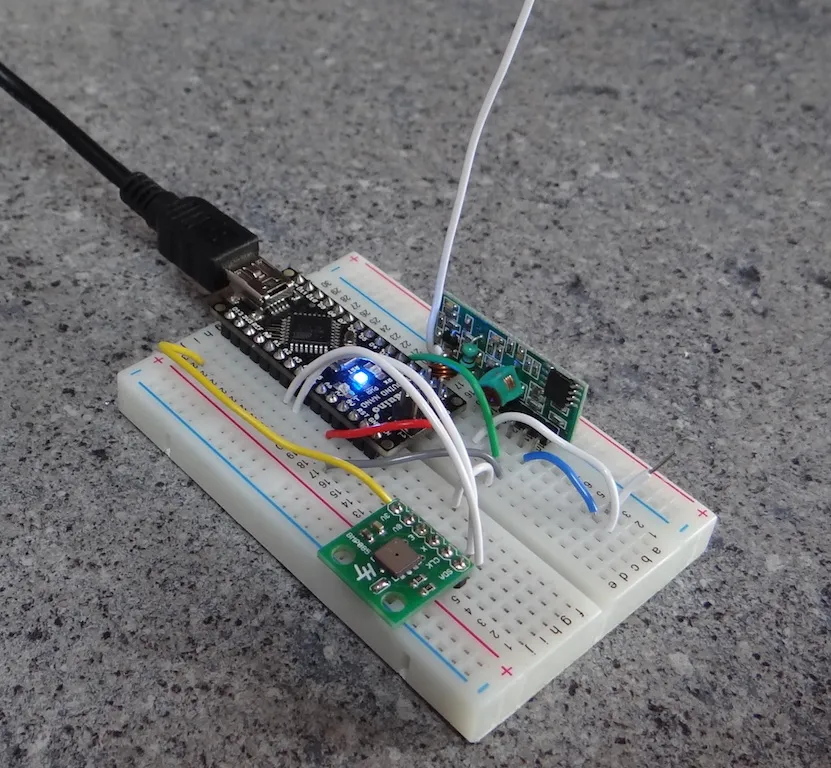
The black wire heading off into the top-left corner is the connection to the Linux server and the white wire heading off the top of the picture is the radio antenna (cut to a suitable length for 433MHz radio reception).
The Current Iteration
Things have got a little more sophisticated and more robust:-
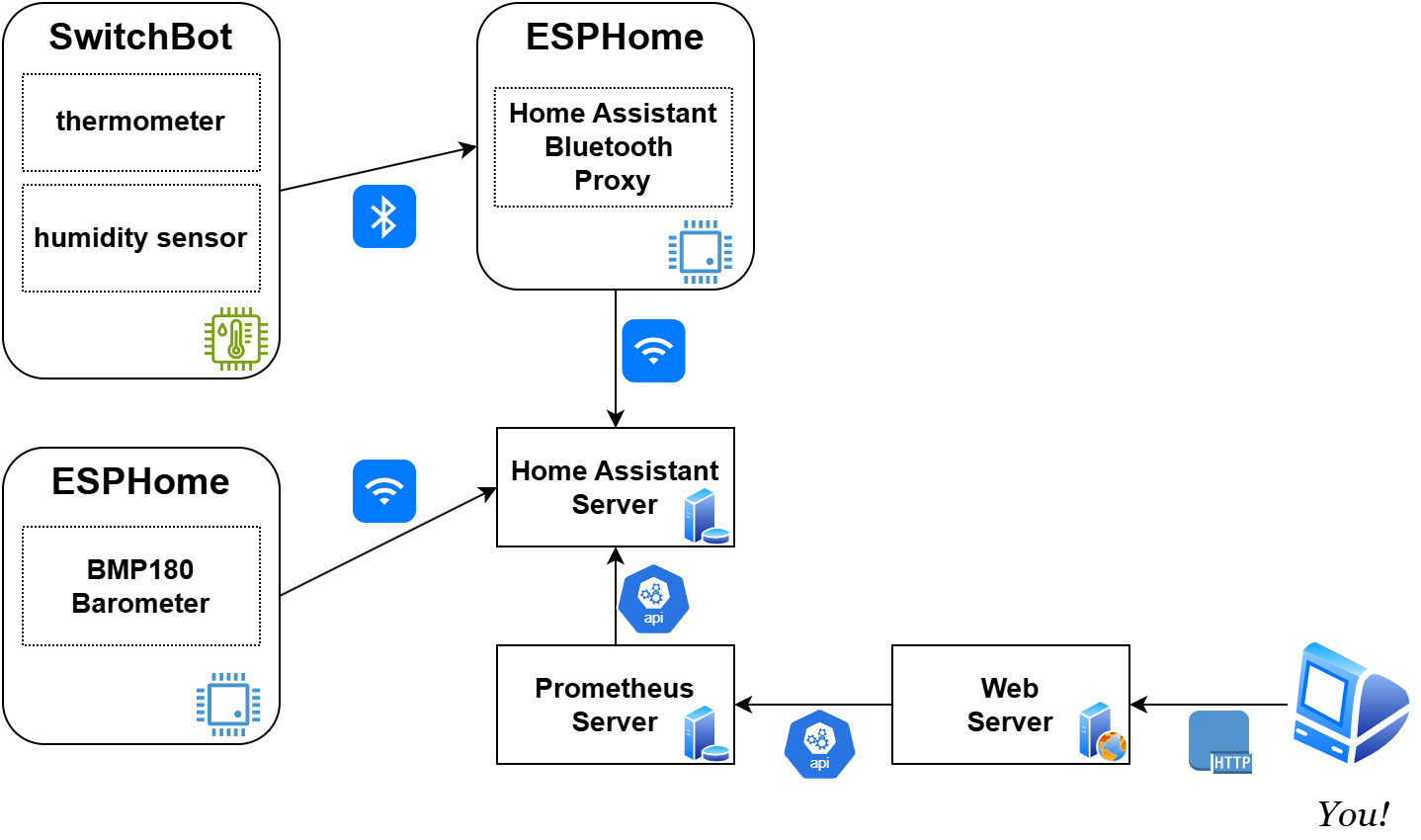
The outdoor unit has been replaced with a Switchbot Indoor/Outdoor Thermo-Hygrometer
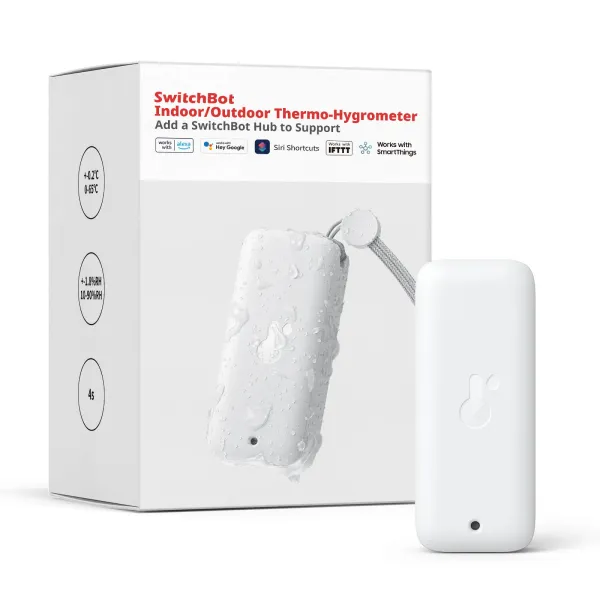
This talks Bluetooth to a Home Assistant Bluetooth Proxy (see below)
Not directly relevant but might be interesting: but I also have one of these feeding indoor temperature and humidity into Home Assistant via the same Bluetooth Proxy
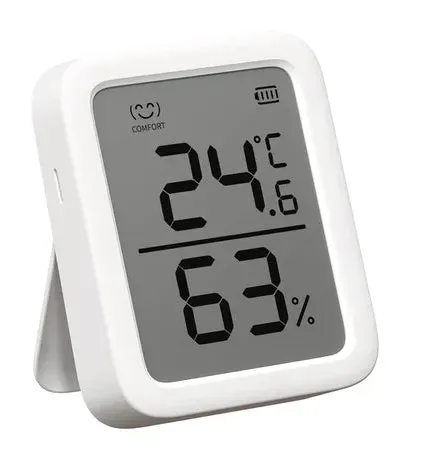
It works very nicely.
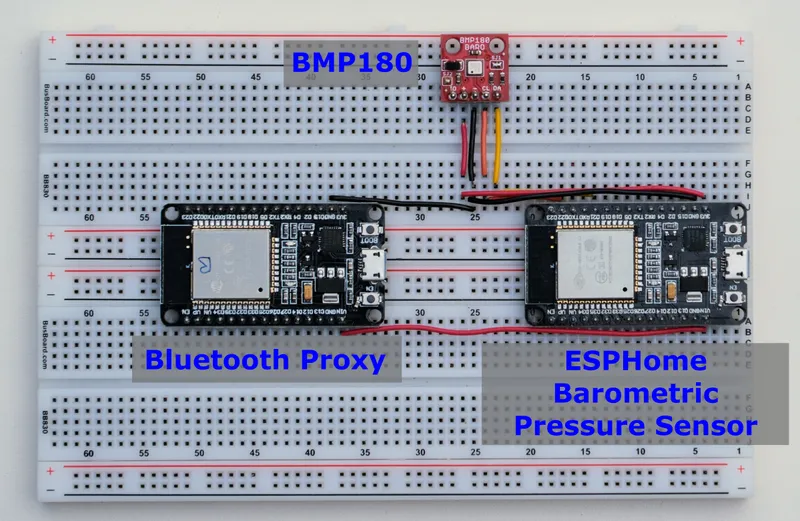
Barometric pressure now comes from a Home Assistant ESPHome sensor which has a BMP180 connected to it.
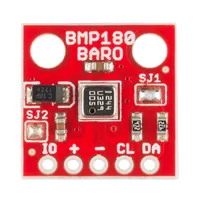
The BMP180 is now obsolete (by a few generations). The current model is the BMP580/BMP581, but it is still an absolute cracker of a sensor and I had one in my parts-bin, so that's what is used here.
This sensor also feeds data into Home Assistant (via the ESPHome module that it is connected to), but natively over WiFi. That's OK - at least for now - because it is mains-powered, so minimising power-consumption is less of a consideration.
Home Assistant has become the "database" that gathers holds all the data (but see "Prometheus" below).
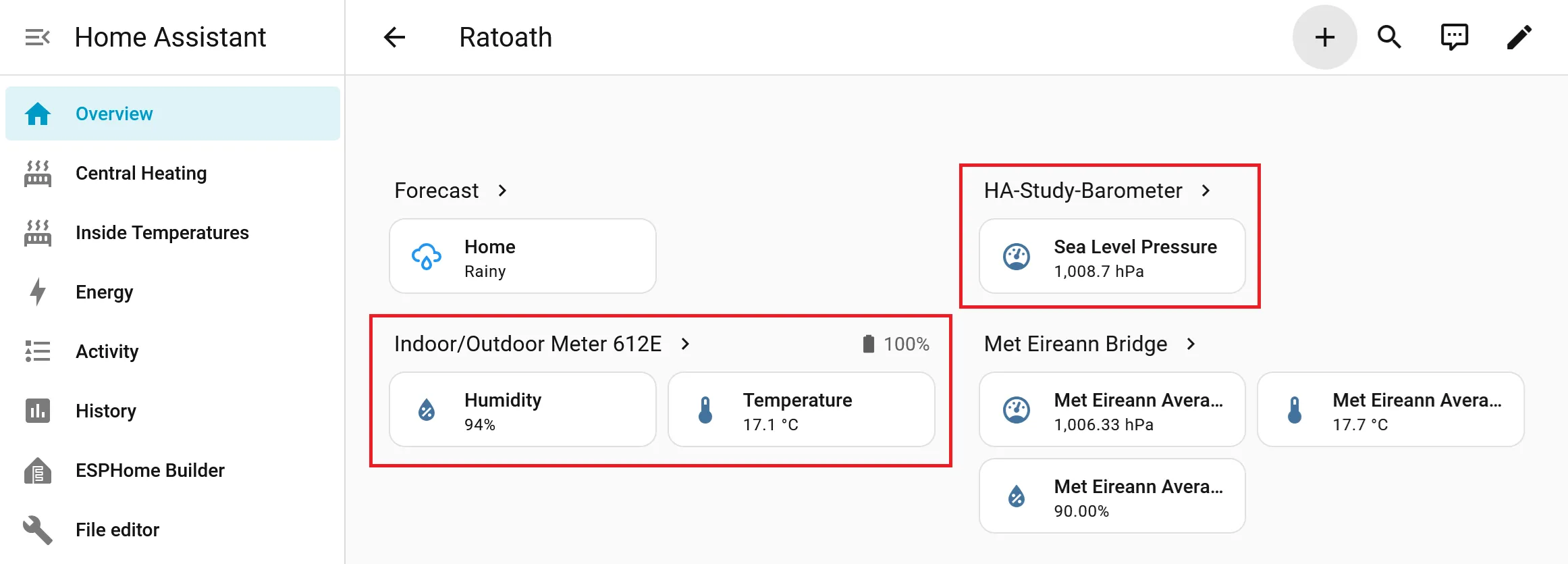
There is a Home Assistant Bluetooth Proxy on my LAN which allows various sensors (including the two Switchbot sensors) to talk to Home Assistant. This is just an ESP32 flashed with the ESPHome Bluetooth Proxy image. The purpose of the Bluetooth Proxy is to "bridge" data from Bluetooth sensors onto WiFi and from there into Home Assistant. This enables battery-powered sensors to use Bluetooth rather than WiFi which hugely reduces power-consumption and increases battery lifetime.
Prometheus is a Time-Series Database (TSDB). In truth, there is no good reason for it still to be in the mix: Home Assistant has an API that makes the historical sensor information available and I could query this directly, but original front-end code was written to query Prometheus and I didn't feel like changing it 🙂. Maybe sometime. For now, Prometheus gets its all its data by querying the Home Assistant API and the front-end queries Prometheus.
Public Webserver. This is written in Astro with a bit of React to draw the graphs. It was originally all written in pure HTML/CSS/Javascript which was fine, but the refresh was an opportunity to modernise it a little.
The server itself runs on an Amazon EC2 instance. There are other (better?) ways of doing that also, but for various reasons it is useful to me to have an EC2 instance running, and since it's there I may as well run the website on it.
This is how it all hangs together: